
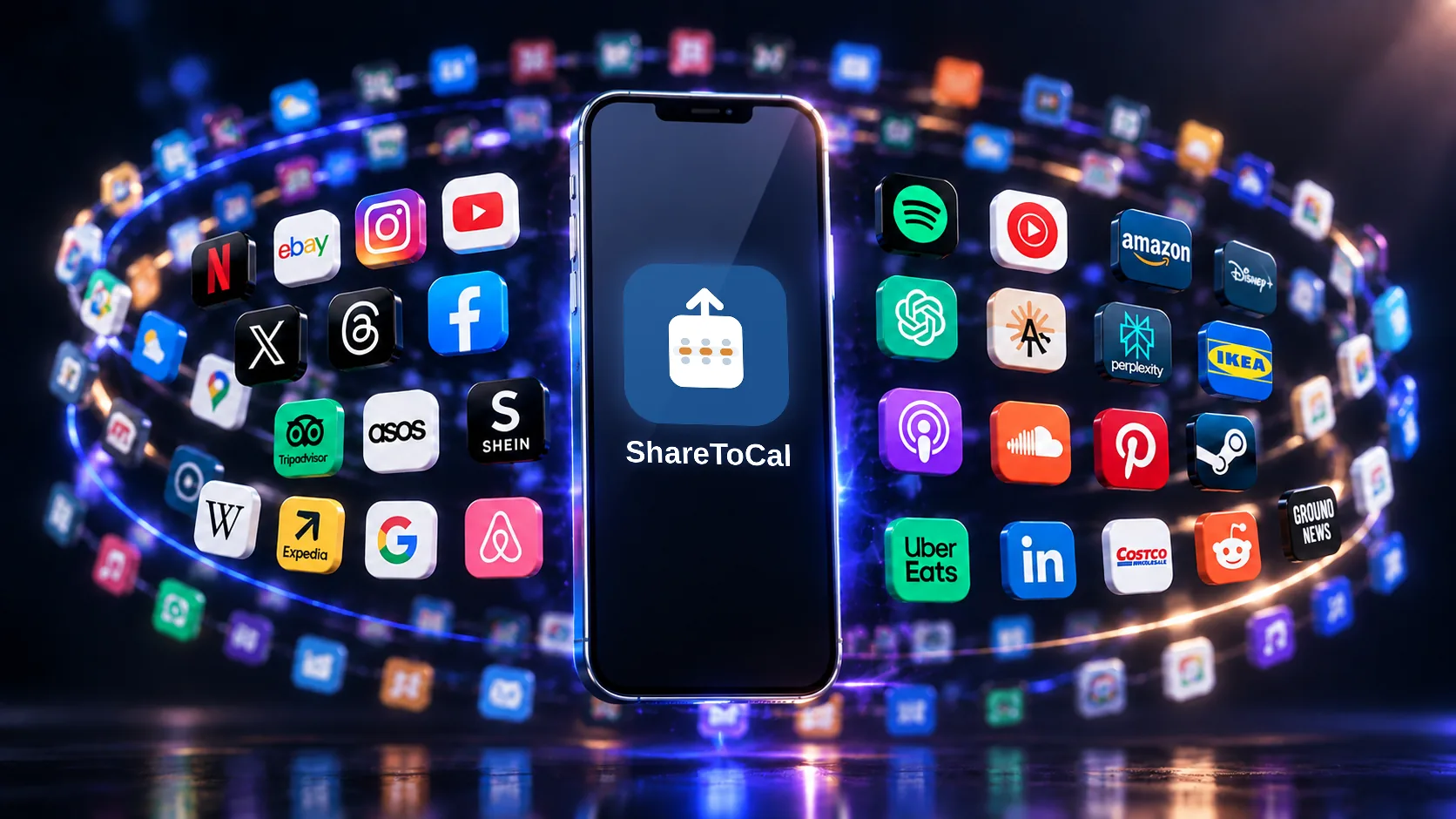
Share it to save it. Get reminded when it suits you.
Share a link, photo or file from any app, pick a day and time, and ShareToCal reminds you when it’s due. The show you meant to watch, the trip you’re planning, the thing you might buy: no more losing them in open tabs and screenshots.
Coming soon to the App Store and Google PlaySee how it works
Three taps from “I’ll look at that later” to a reminder
Share it
Tap Share in any app, whether it’s your browser, a shop, a streaming service or your photos, and choose ShareToCal.
Pick a time
Choose the day and time you want to come back to it. Add a note or a tag if it helps, or just bookmark it with no reminder at all.
Get reminded
When it’s due, ShareToCal sends you a notification, with what you saved one tap away.
Everything you save, in one tidy list
- Sorted for you
- Upcoming reminders in order, a Catch up section for anything you missed, and Bookmarked for things with no deadline.
- Notes and tags
- Add context with a note, tag items like “Spain trip”, and filter your list by tag.
- Links, photos, videos and files
- Save more than links. Anything you can share, you can schedule.
- Previews built in
- Titles and pictures are fetched automatically, so you can see what each item is at a glance.
- Reschedule with a swipe
- Not the right time after all? Swipe to move it or delete it.
- Share with someone
- Send anyone a link to an item, even if they don’t use ShareToCal.
- In your language
- Available in 25 languages, on iPhone and Android.
Your list is yours
- No ads, and no tracking or analytics tools.
- We never sell your data.
- Delete your account and everything in it, any time, from Settings.